No photo? Generate one.
Holiday greetings, announcements, tips and offers rarely come with a photo. Describe the image and Quevix creates it in your brand style, sized for the network you are posting to.
- Generate from a one-line description
- Sized for feed, portrait or story
- Edit or regenerate until it fits
- Uses your monthly AI credits
Quick answer
Can AI create images for social media posts?
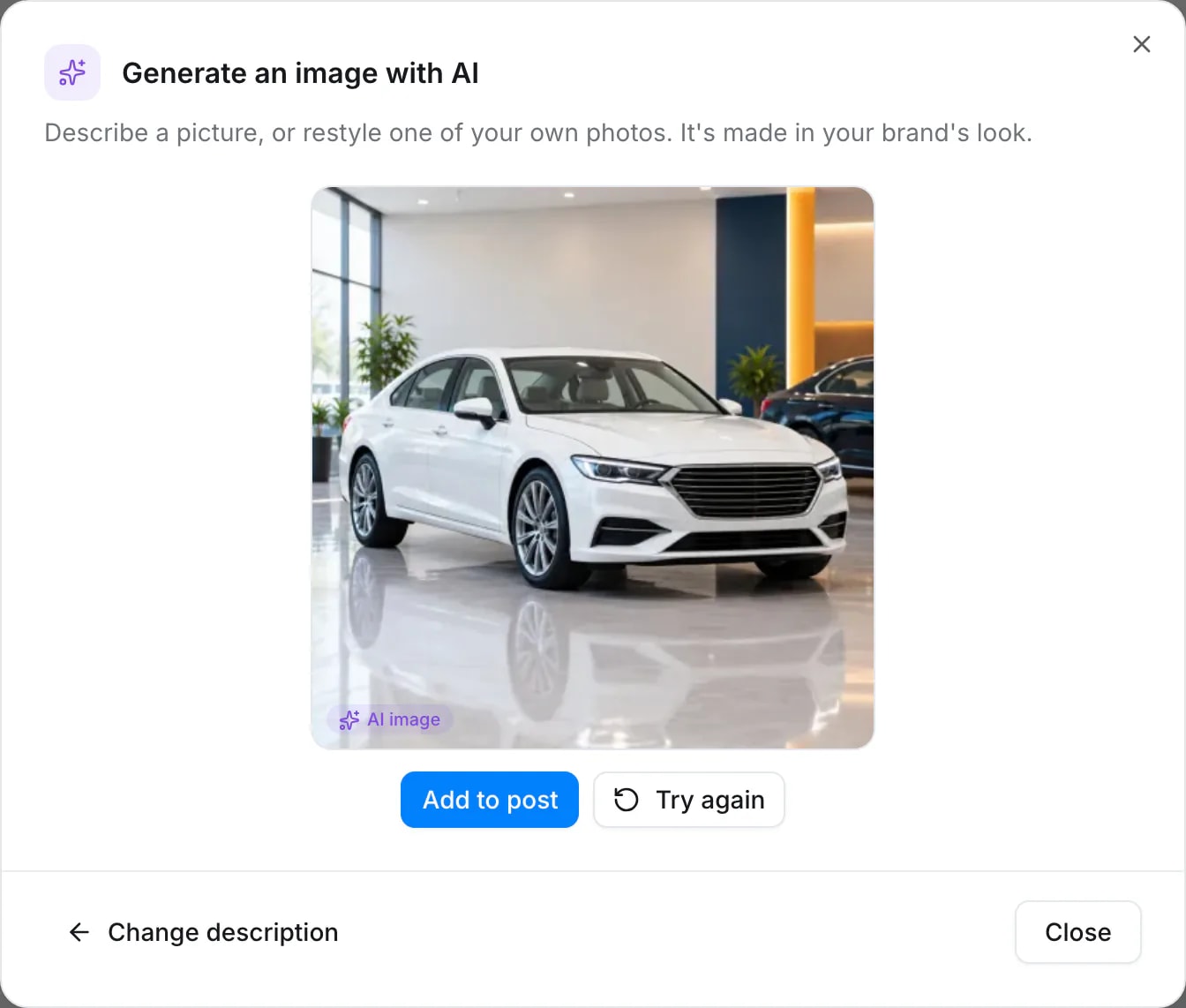
Yes. In Quevix you describe the picture you need, for example “a white SUV in a bright, modern showroom”, and the AI image generator creates it at the right size for your post. Images use your plan’s AI credits and appear in the composer next to your caption.
AI image generator: what you get
Fill the gaps
Seasonal posts, tips and announcements get a visual without a photo shoot.
Right size, first time
Images are created in the shape the network expects, so nothing is cropped badly.
Inside the composer
Generate, pick and post without downloading or uploading files.
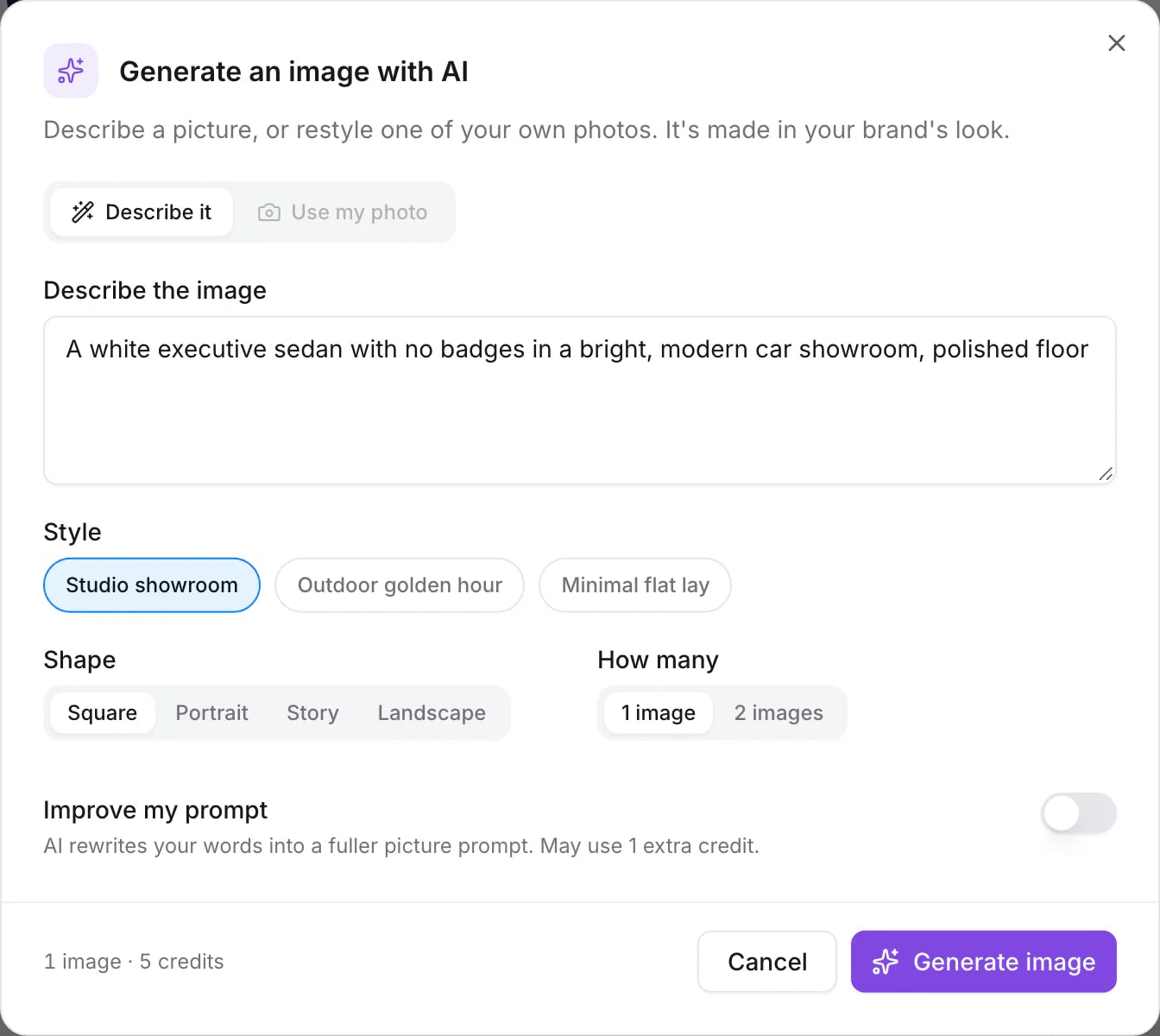
Describe it, pick a style and a shape
Write a line about the picture, choose a style such as studio showroom or outdoor golden hour, and the shape: square, portrait, story or landscape. Turn on “Improve my prompt” and the AI writes a fuller description first.
Sized for where it is going
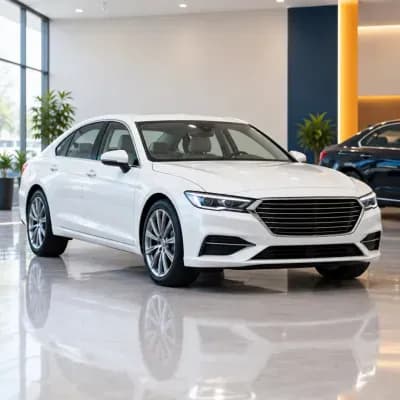
A square image for the feed, a portrait one for Instagram and a 9:16 one for stories. These three were made in Quevix and are labelled AI-generated.


When to use AI images, and when not to
Use AI images for ideas, seasons and moods. For products people will buy, such as a specific car, use real photos: buyers expect to see the exact item. Quevix makes both easy: real photos through link to post and templates, generated images for everything else.
Frequently asked questions
Who owns the images I generate?
Images you generate are added to your workspace’s media and can be used in your posts. The terms of service explain how generated content may be used.
How many images can I generate?
It depends on your plan’s monthly AI credits. An image costs more credits than a caption.
Start posting with Quevix today
Free plan, no card required. Connect your accounts and publish your first AI-written post in minutes.